Solutions

Debug Webhooks
Without the Headache

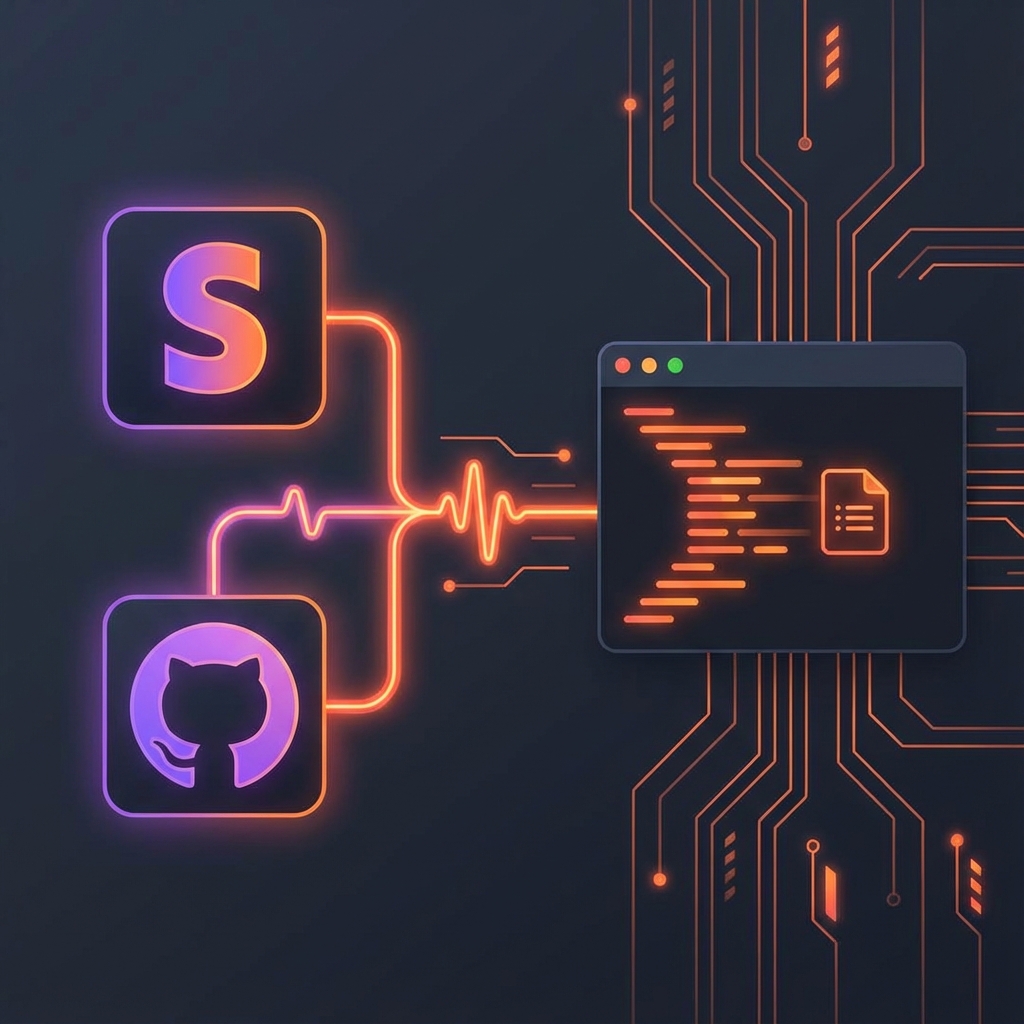
Receiving Stripe, GitHub, or Shopify webhooks on localhost has never been easier. No more repetitive deployments just to test a single integration.

Start Tunneling Read Guide
Webhook Debugging

Full Visibility Into Every Request

Portex allows you to inspect every part of the incoming webhook. Headers, body, and timing are all logged and visible in your dashboard.

  • Live traffic monitoring
  • Payload replay with one click
  • Support for nested JSON and form-data

How it works

01.

Start Portex

Fire up your terminal and run portex start --port 3000.

02.

Set Endpoint

Copy your public portex URL (e.g. my-app.portex.space) into your provider's webhook settings.

03.

Debug Live

Trigger the webhook and watch the request reach your local machine instantly.