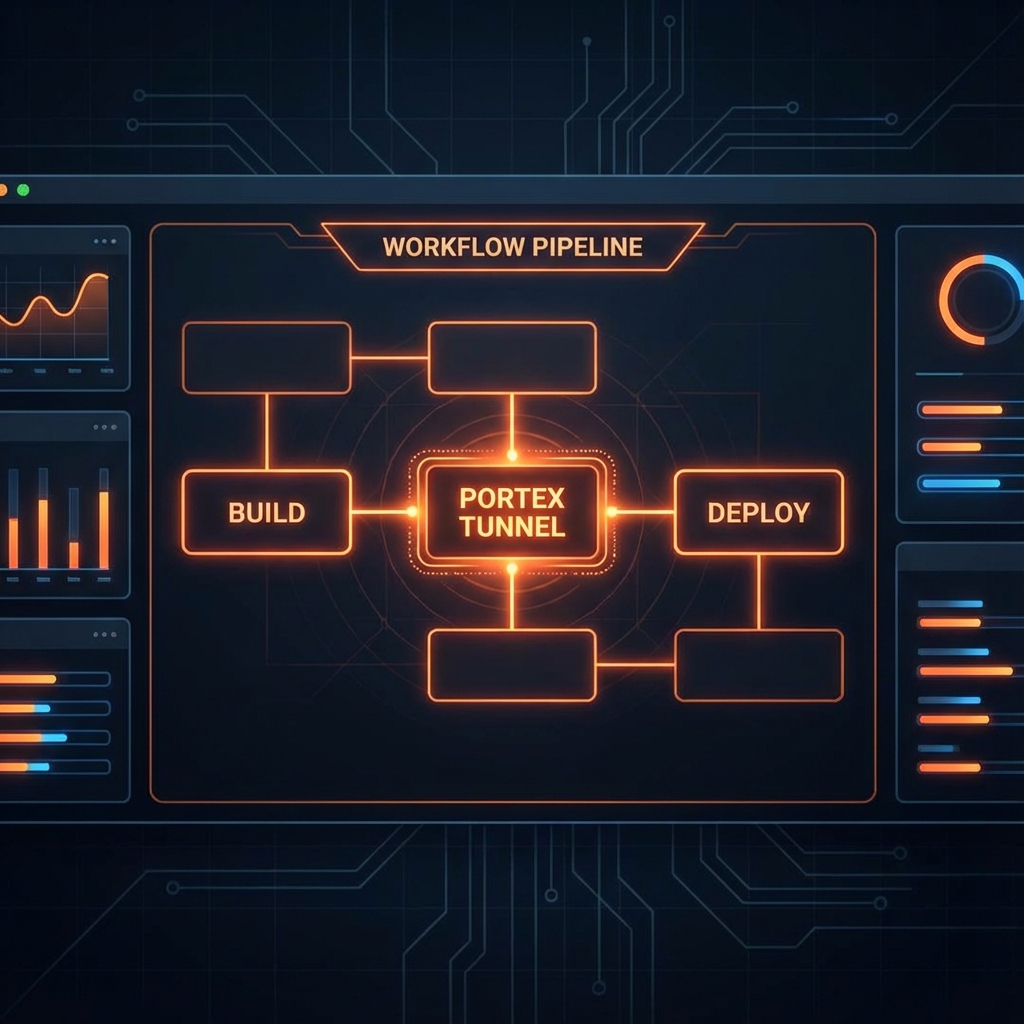
Built for Automation
Portex isn't just a CLI; it's a programmatic tool. Use our API or the headless agent to spin up tunnels automatically in your CI workflows.
- ✓ Headless mode for CI runners
- ✓ GitHub Actions & GitLab support
- ✓ Deterministic subdomains for automation